
THE GI HAND COMPANION APP
GI HAND APP
Your bionic hand.Connected.
Connect your device, practice gestures and view movement data. Manage everyday device operations from your phone with GI HAND.
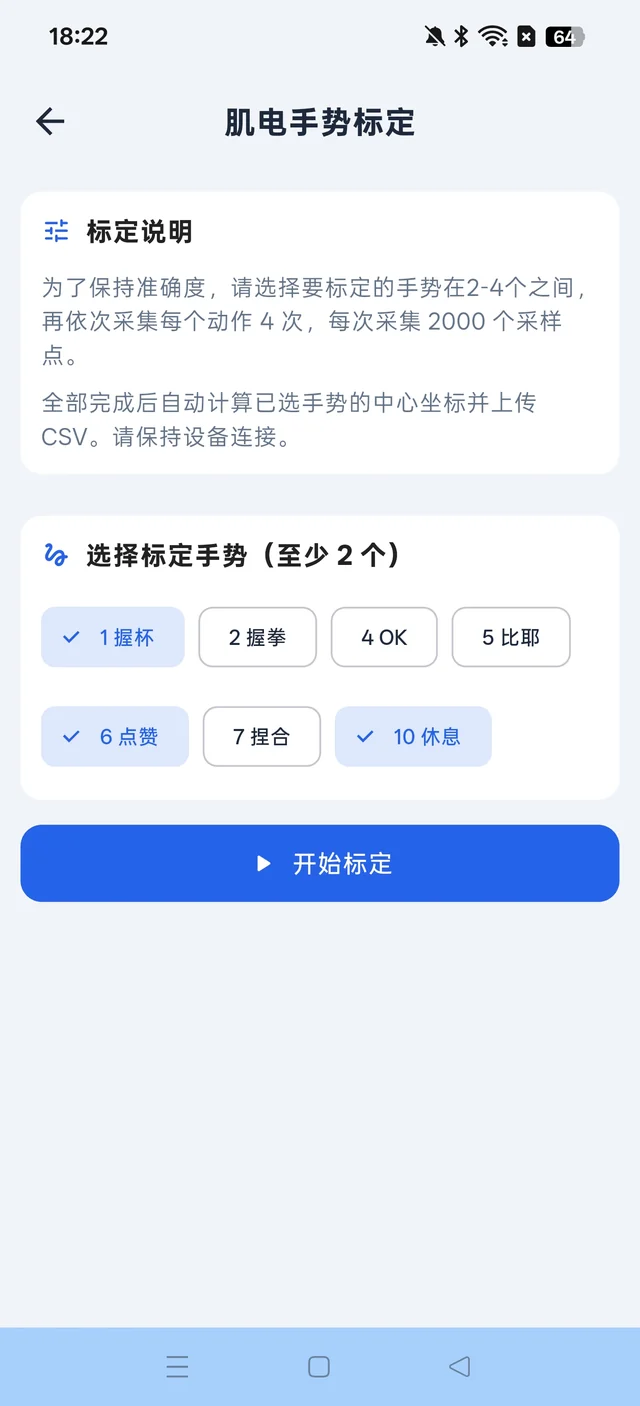
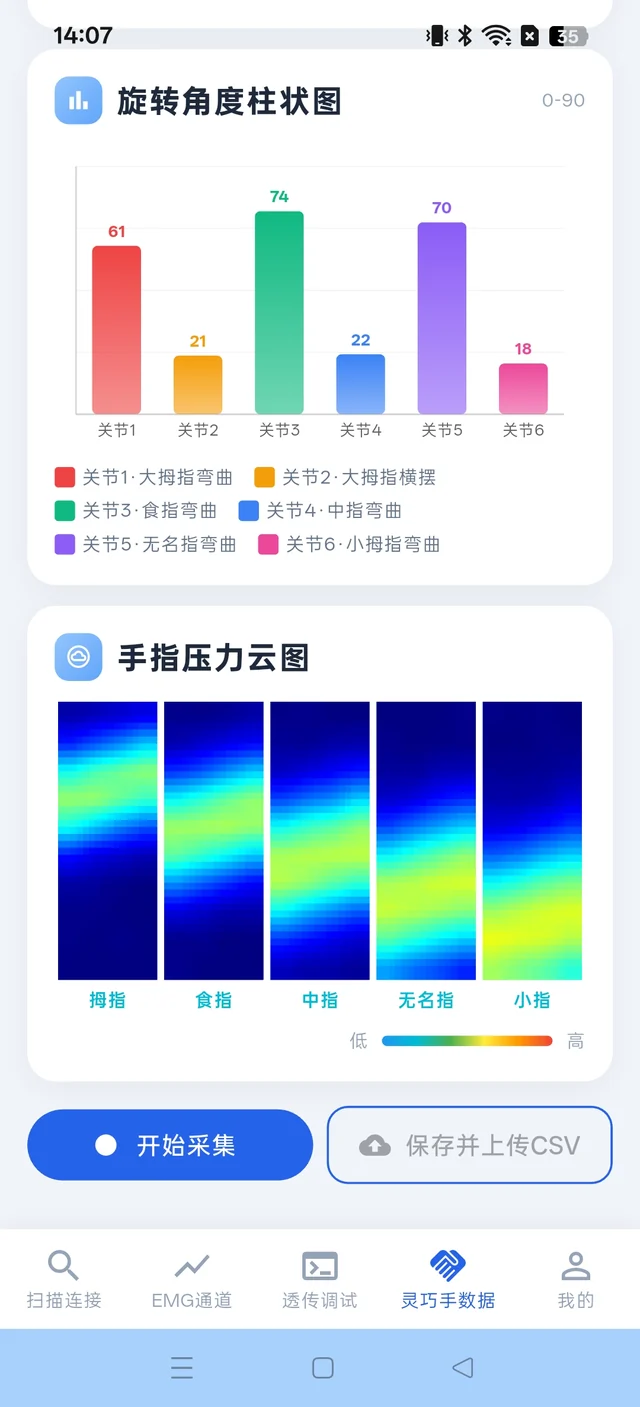
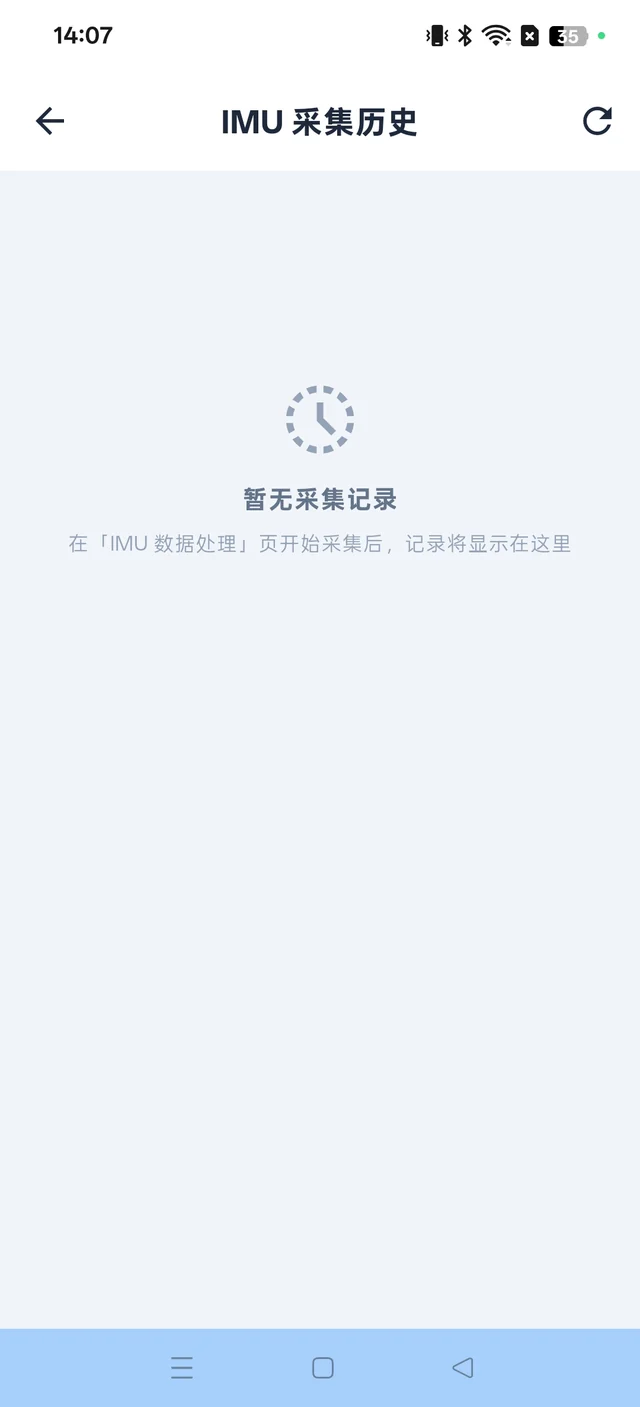
Screenshots show the Chinese app interface. Features depend on your app version and device.
APP FEATURES
Connect, calibrate and see your progress
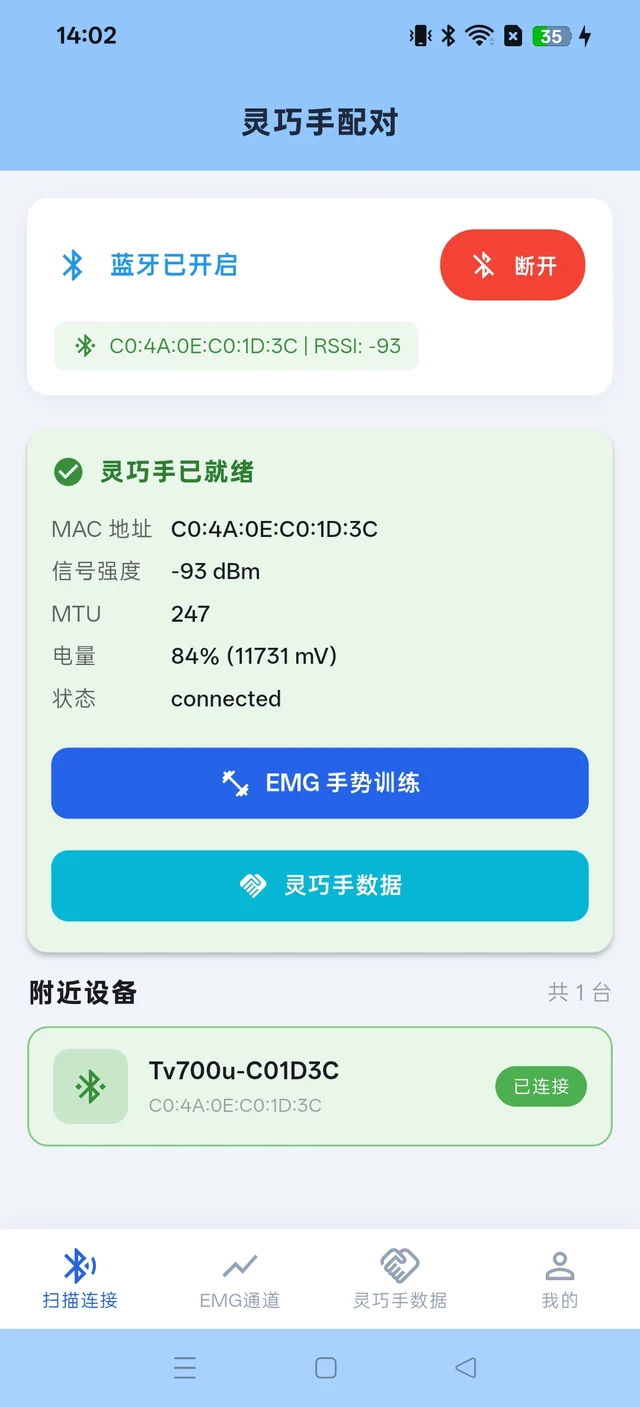
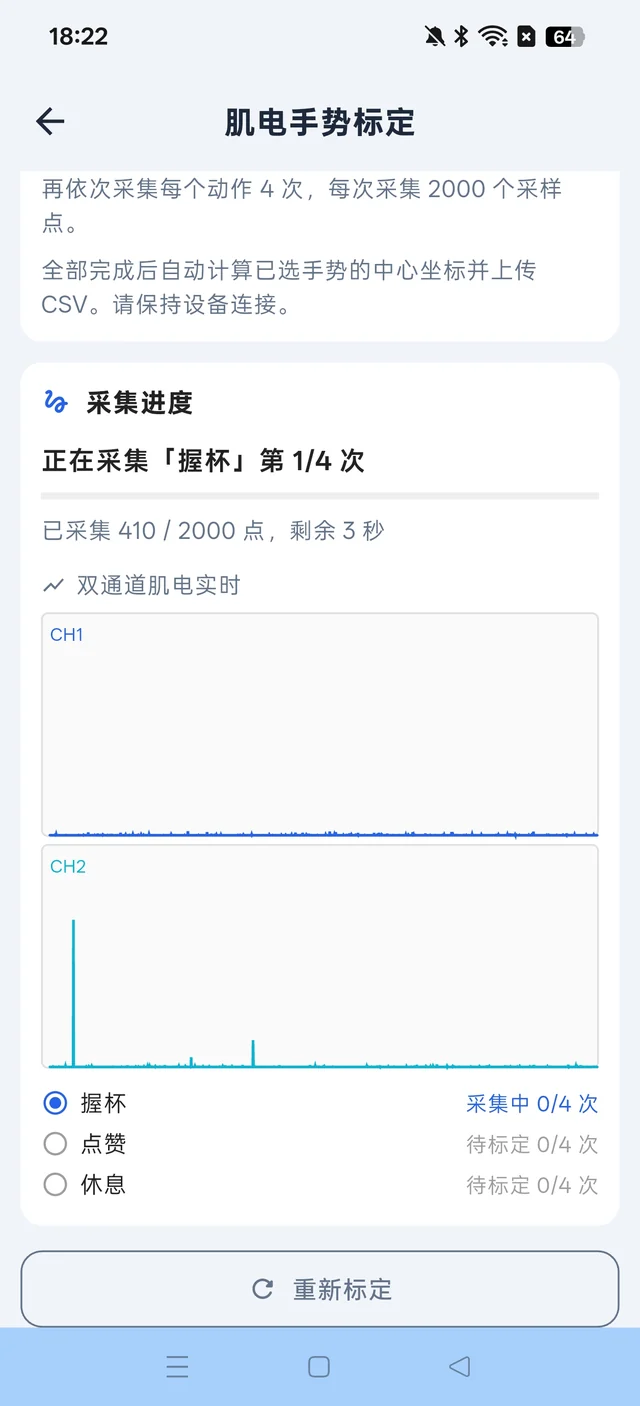
Follow the on-screen guidance to check device status and monitor each recording.
GETTING STARTED
Get ready to connect
Download & install
Open this page on your Android phone and download the APK. Follow your phone’s prompts to install it.
Connect your device
Turn on your device and phone Bluetooth. Grant the permissions requested by the app, then select your device from the scan results.
Follow the guidance
Once connected, follow the product instructions and professional guidance to calibrate gestures or record data.
Download & installation
Why can’t I download inside WeChat?
Tap the menu in the top-right corner of WeChat and choose “Open in browser”. Then tap the Android download button again.
My phone asks to allow installation from this source.
Check that the package comes from the official link on this page. If required, temporarily allow your browser to install the app, then turn that permission off afterwards. Do not disable system security protection.
Can I install this on an iPhone?
This page currently provides an Android APK only. It cannot be installed on an iPhone or iPad.
GI HAND APP
GI HAND. Ready when you are.
Download the companion app to connect your smart bionic hand.
Currently available for Android
Follow the product instructions and professional guidance when calibrating gestures or operating your device. This app does not replace medical diagnosis or an individual fitting assessment.